CONTACT
  • Login
Upgrade
SINwebzine
Advertisement
  • Home
    • Our Authors
    • Media Kit
    • Contact
    • Cookie Policy
    • Terms and Conditions
  • Artificial Intelligence
  • Software
  • WordPress
  • Web Infrastructure
  • Marketing
  • Business
  • Security
  • Home
    • Our Authors
    • Media Kit
    • Contact
    • Cookie Policy
    • Terms and Conditions
  • Artificial Intelligence
  • Software
  • WordPress
  • Web Infrastructure
  • Marketing
  • Business
  • Security
No Result
View All Result
SINwebzine
No Result
View All Result
Home WordPress

Traffic spike hosting: picking one that holds

14/10/2026
Developer monitoring a WordPress site during a traffic spike

#image_title

A product mention on a popular podcast, a thread that takes off, or one shared link can send ten times the usual traffic to a small site within an hour. Most WordPress hosting plans are built for an average day, not for that hour. When the surge hits, the site either survives on infrastructure built for it, or it goes down, or the bill multiplies through overage charges nobody budgeted for. Choosing a host before the spike happens, not during it, is the only way to control which of those three outcomes a site gets.

The hosts below made this list because each publishes, rather than just promises, what happens past its traffic ceiling: the exact overage rate, the autoscaling mechanism, or an unmetered policy with a stated catch elsewhere. Hosts that leave this detail undocumented were left out, however fast their marketing copy claims they are.

### Kinsta: autoscaling with a metered bill

Kinsta runs on Google Cloud and prices its Starter plan at $35 a month, or $30 billed annually, for one site capped at 35,000 monthly visits. It handles traffic spikes with auto-scaling PHP workers and container-level isolation, and you do not get charged overage fees for short bursts. Sustained overages still cost money: the rate is $0.50 per 1,000 extra visits, cut in half from $1.00 earlier in 2026. A short, one-day surge is free; a month of elevated traffic is not.

ADVERTISEMENT

### WP Engine: controlled scaling, costly overages

WP Engine starts at $30 a month for one site, slightly undercutting Kinsta while including fewer visits. It charges 2 dollars per additional thousand visits, four times Kinsta's rate, and its entry plan includes only 25,000 monthly visits, the smallest allowance among comparable hosts. Automatic scaling handles traffic spikes within plan limits, and performance stays predictable because the environment is controlled. That control has a price: get the overage math wrong during a viral week and the bill moves fast.

### Rocket.net: unmetered visits, bundled Cloudflare Enterprise

Rocket.net takes a different approach and does not meter visits at all. It is the pick for sites where traffic spikes, since it doesn't meter visitors, so a viral post can't trigger a visit bill. Every plan, from about $25 a month billed annually, includes Cloudflare Enterprise as standard, and standalone Cloudflare Enterprise contracts typically cost over $200 a month, so bundling it at Rocket.net's entry price is a real saving, not a marketing line. The catch moves to bandwidth instead of visits, with an $0.08 per GB charge once a site passes the 50 GB limit on the Starter plan.

### Cloudways: unlimited visits, manual scaling

Cloudways does not cap visits on any plan. Its entry tier includes unlimited visits and 1 TB of bandwidth, starting at 14 USD a month. Scaling, though, is manual: you can resize the server from the dashboard in five to ten minutes with no downtime, but there is no autoscaling, so an expected traffic spike means scaling up beforehand and back down afterward. That suits a planned product launch; it does nothing for traffic that arrives while nobody is watching the dashboard.

ADVERTISEMENT

### Pressable: Automattic's capped entry plan

Pressable is owned by Automattic, the company behind WordPress.com. Its entry plan runs about $21 a month with a 30,000-visit ceiling, below Kinsta's 35,000-visit cap on its entry tier. Overages run $1.20 per 1,000 visits, and at 60,000 monthly visits that adds a base of $25 plus roughly $36 in overage, for a monthly total near $61. That is close to double the advertised price for one busier-than-usual month, a gap worth modelling before signing up.

How to choose between them

The right choice depends less on brand reputation than on how a site's traffic actually behaves. A site that might go viral once, unpredictably, through a single shared link or press mention, benefits most from an unmetered model like Rocket.net's: there is no overage bill to calculate after the fact. A site with steady but seasonal growth, such as a retailer ahead of a known sale date, does better on Kinsta or WP Engine, where the overage rate is published and the owner can upgrade a plan a week ahead of an expected surge rather than mid-spike.

ADVERTISEMENT

An agency running many small client sites usually saves more on Cloudways, paying for server capacity rather than per-site visit caps, as long as someone checks the dashboard during a launch window. Before signing a contract, pull twelve months of analytics, find the single highest-traffic day on record, and run that number against each host's overage table. The plan that survives that one bad day on paper is the one worth buying.


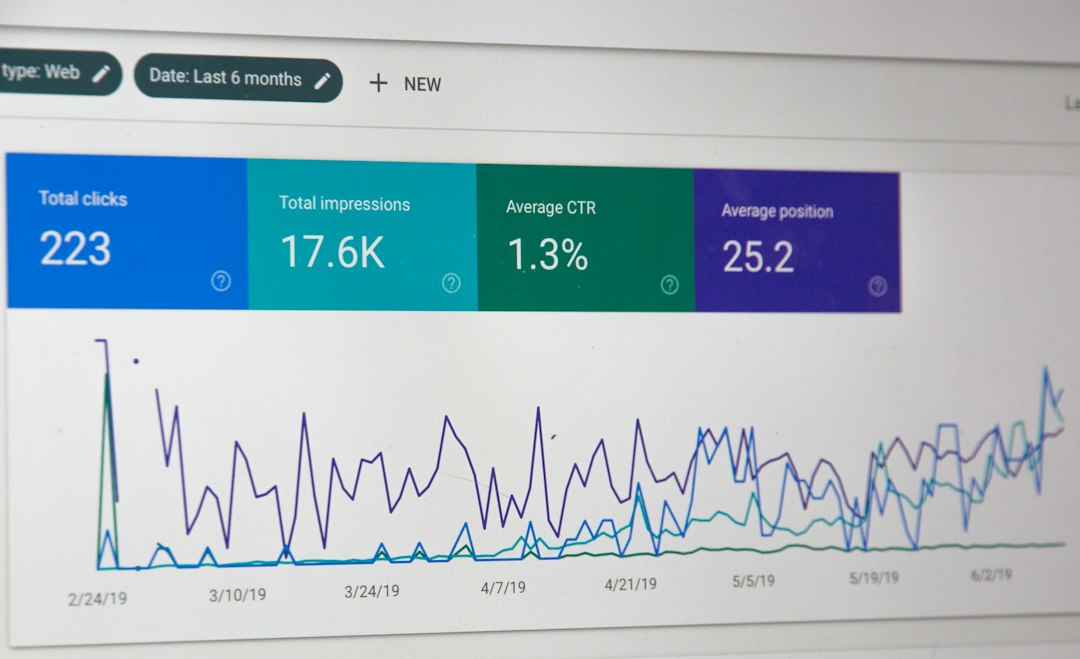
Small business owner checking traffic spike analytics on a laptop

Learn more about traffic spike

  • Bandwidth-based plans add flexibility to hosting at Kinsta
  • Rocket.net Reviews by Our Experts with Real Tests
  • WP Engine vs Kinsta 2026: Managed WordPress Compared
Previous Post

Load testing your site before Black Friday

Next Post

Budget requests: justify Q4 software spend

Related Posts

Site owner checking rankings before a site migration
WordPress

Site migration without losing SEO rankings

26/09/2026
Developer reviewing a dashboard to spot plugin bloat before Q4
WordPress

Plugin bloat cleanup before your Q4 spike

16/09/2026
Site owner monitoring dashboard before a traffic surge
WordPress

Traffic surge prep for WordPress sites

04/09/2026
Small business owner comparing page builders on a laptop screen
WordPress

Page builders: choosing without regret later

04/09/2026
Next Post
Finance manager reviewing a Q4 budget requests spreadsheet at a desk

Budget requests: justify Q4 software spend

Leave a Reply Cancel reply

Your email address will not be published. Required fields are marked *

No Result
View All Result

Our Focus

STACKwebzine covers the technology that independent builders and publishers actually use: AI and automation, software and SaaS, WordPress, web infrastructure, marketing, business and security. Practical coverage of the working stack.

Our Readers

STACKwebzine is written for people who run something of their own: site owners, solo operators, small agencies, founders and publishers. Readers who make their own technical decisions and carry the cost of getting them wrong.

Our Approach

Reviews come from use rather than press releases. We explain what a tool does, what it costs at scale, what it replaces and where it breaks, and we say plainly when something popular is not worth the money.

Recent Post

  • Feature freeze: what to ship before it starts
  • Budget requests: justify Q4 software spend

© 2026 STACKwebzine by NOOR & NOOR — part of WEBZINE.world.

Welcome Back!

Login to your account below

Forgotten Password?

Retrieve your password

Please enter your username or email address to reset your password.

Log In
Manage Consent
To provide the best experiences, we use technologies like cookies to store and/or access device information. Consenting to these technologies will allow us to process data such as browsing behavior or unique IDs on this site. Not consenting or withdrawing consent, may adversely affect certain features and functions.
Functional Always active
The technical storage or access is strictly necessary for the legitimate purpose of enabling the use of a specific service explicitly requested by the subscriber or user, or for the sole purpose of carrying out the transmission of a communication over an electronic communications network.
Preferences
The technical storage or access is necessary for the legitimate purpose of storing preferences that are not requested by the subscriber or user.
Statistics
The technical storage or access that is used exclusively for statistical purposes. The technical storage or access that is used exclusively for anonymous statistical purposes. Without a subpoena, voluntary compliance on the part of your Internet Service Provider, or additional records from a third party, information stored or retrieved for this purpose alone cannot usually be used to identify you.
Marketing
The technical storage or access is required to create user profiles to send advertising, or to track the user on a website or across several websites for similar marketing purposes.
  • Manage options
  • Manage services
  • Manage {vendor_count} vendors
  • Read more about these purposes
View preferences
  • {title}
  • {title}
  • {title}
No Result
View All Result
  • Home
    • Our Authors
    • Media Kit
    • Contact
    • Cookie Policy
    • Terms and Conditions
  • Artificial Intelligence
  • Software
  • WordPress
  • Web Infrastructure
  • Marketing
  • Business
  • Security

© 2026 STACKwebzine by NOOR & NOOR — part of WEBZINE.world.

Are you sure want to unlock this post?
Unlock left : 0
Are you sure want to cancel subscription?
Verified by MonsterInsights
enEnglishfrFrançaisnlNederlands